
How to give someone a slice of your dough 💸🍕
You can divide the revenue on a release between multiple RouteNote accounts, and the best part is RouteNote will do all the hard work.
You are able to submit multiple UPCs/ ISRCs at one time, ensuring a smooth and quick process for your account!
How to request a revenue share
There are different ways that you can request revenue shares for your music, through our site or by creating a ticket.
Through the site
When logged in to your account, go to the Distribution button at the top of your page and select Revenue Sharing.
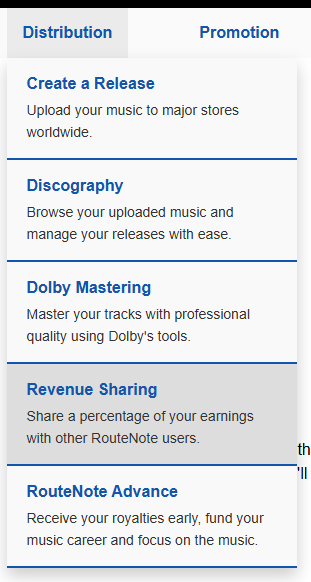
This will then take you to a page where you can request our form. Once you have submitted this form, your request will be processed within 72 hours. It is good to know that the form will prompt you with your approved releases, aiding a smooth and successful process!
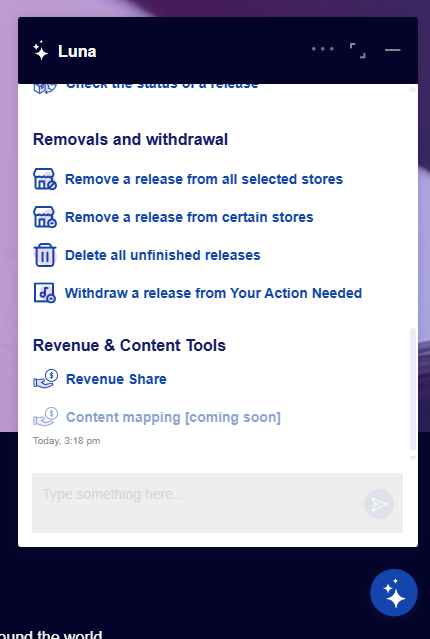
You can also use Luna on our homepage, without even having to be logged in!
Creating a ticket
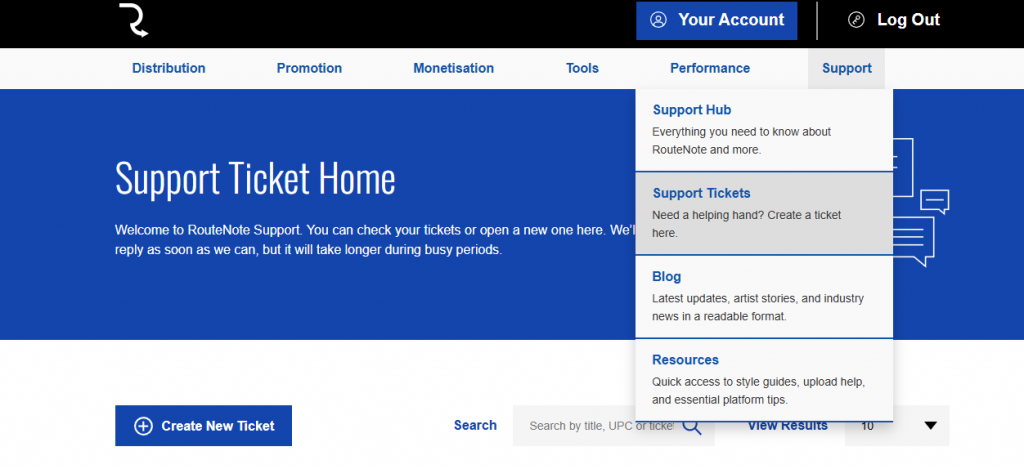
Navigate to Support at the top of the page and select Support Tickets. Once on this page, select Create New Ticket.
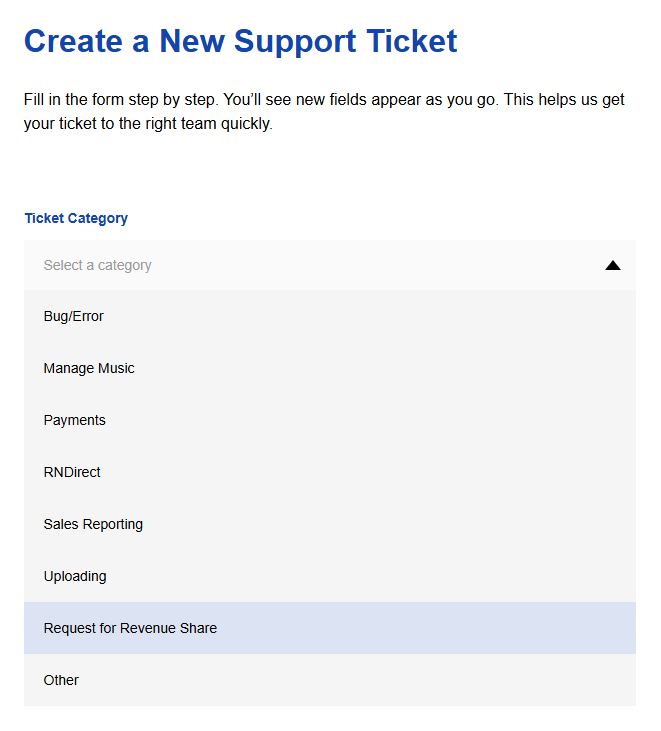
Now, select Request for Revenue Share as the category.
You can leave this section ticked if you would like access to the revenue share form directly, or you may now enter a query.
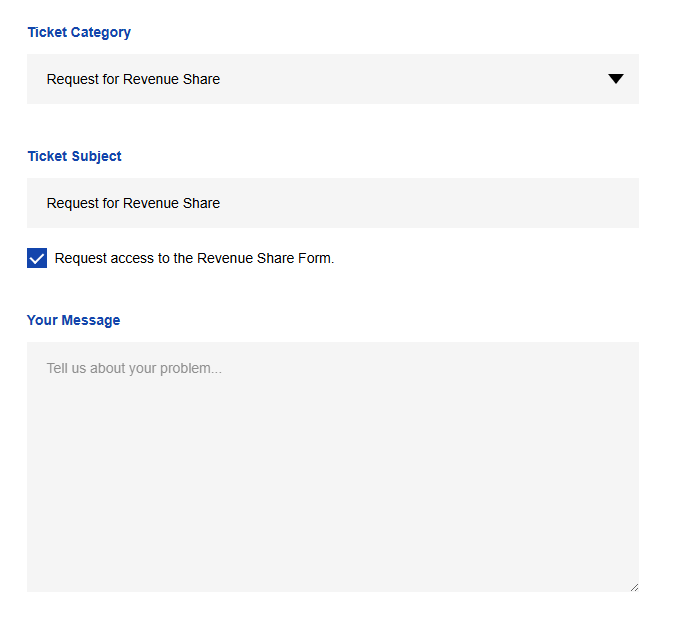
If you have requested access to the form, a magic link will be sent to your registered email address. Follow the magic link to be taken to the form. Once completed, your form will be seen to within 72 hours.
Please note that any user who has a share on a release will be able to see this release in pink in their discography.
Check out our video below for more information!
See also:
How does revenue sharing work?
Why are some of my releases on my discography pink?
When will I see my statistics for each store?