
Makin’ it count with an artist account ✨
TikTok have made it super simple! Here’s how you can claim your content, and activate the music tab on the platform.
- Head to this link using your mobile.
- After this, click on Open in TikTok, then select Apply now.
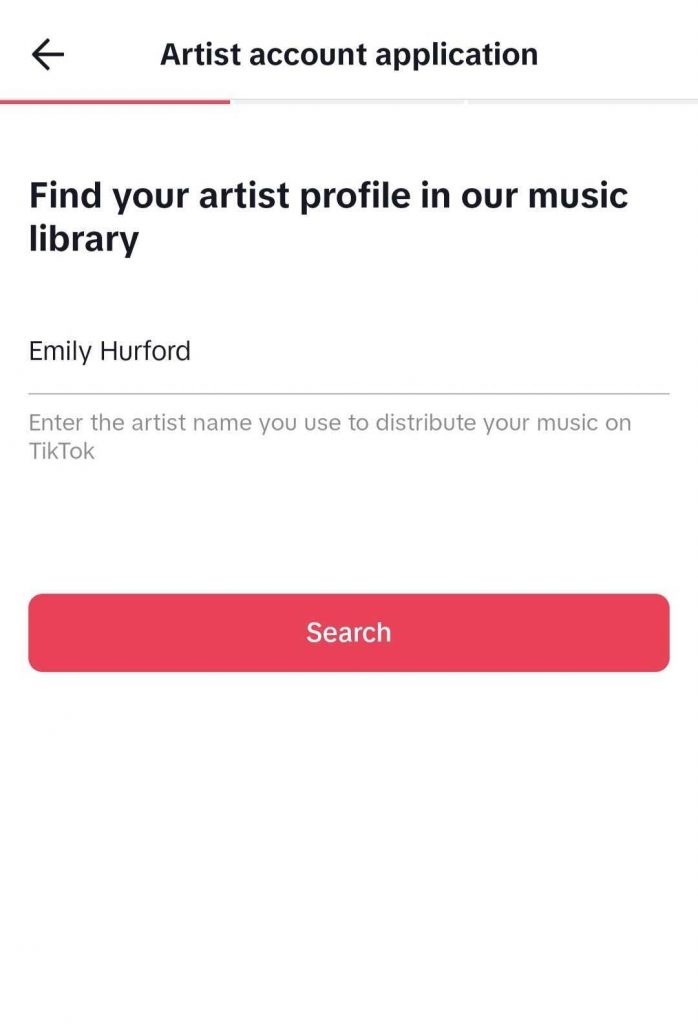
- Enter your full artist name, and select your artist. Please ensure the songs matching the artist belong to you.
- Upon selecting your artist name, you’ll need to grab some screenshots of yourself logged into the streaming platforms for artist or music distribution platform you use (RouteNote!) and take screenshots that contain the necessary details.
Please note! Screenshots must include your artist name, album titles and/or track titles. Please don’t submit any form of identification such as selfies, identity cards, etc.
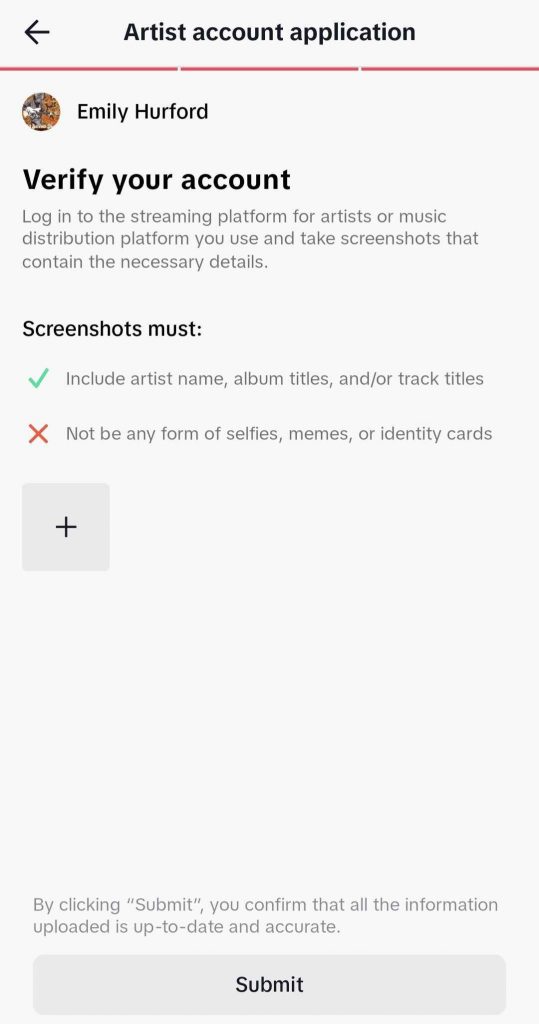
- After you’ve uploaded this, click Submit!
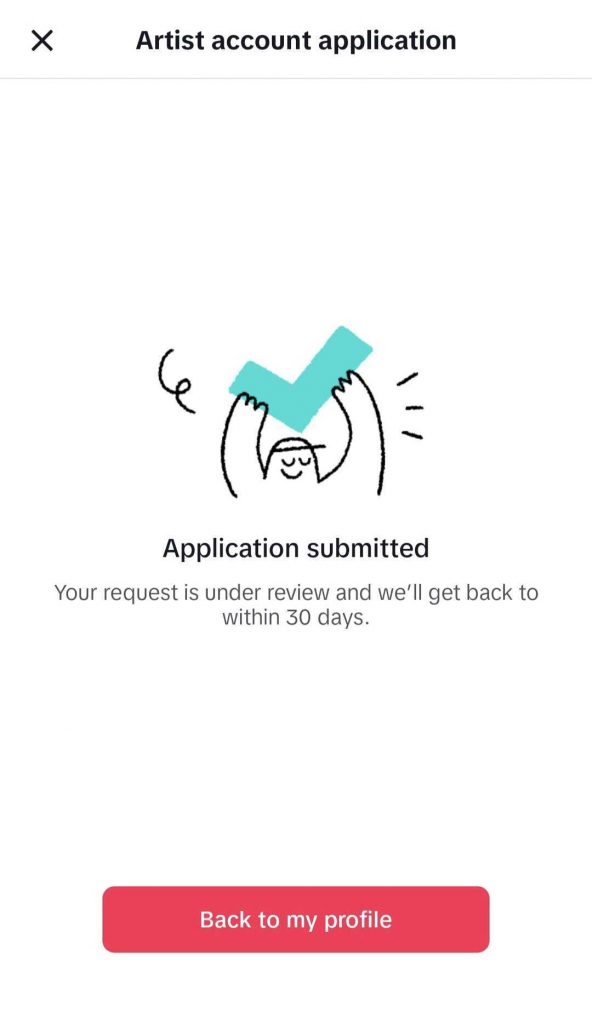
Your request has been submitted and the store will get back to you within 30 days.
Please take into consideration that if your content is mapped to another artist’s page, you can still select this account. Once you have control of this artist page, you will be able to request any mapping changes via the TikTok help centre.
See also:
Why is my release not on TikTok?
How can I link my tracks to my TikTok page?
Do I receive earnings for TikTok views?