
Would you like to preview this information? 😊
Some of the platforms which we partner with here at RouteNote offer a preview for your track! This is a great way to offer your listeners an insight into your music.
You, as the artist, are able to choose exactly where you would like this preview to start. When uploading your music, specifically when you have uploaded audio, you will be taken to the track metadata page. Here, you can select a start time and listen to the audio.
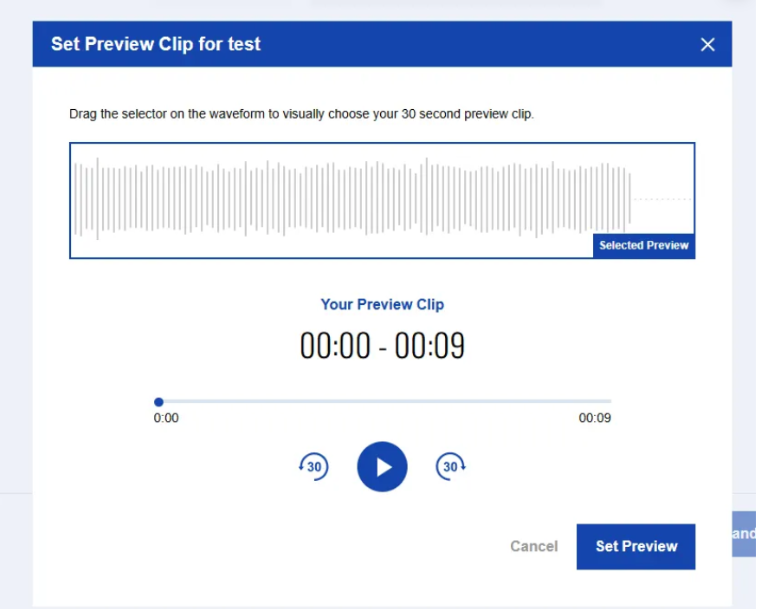
A preview is available on the following stores:
- Tiktok
- AllSaints
- Tuned
- CapCut
- KKBox
- Boomplay
- YouTube Music
- Nuuday
- Saavn
- Joox
- Kuack
- Zing
You will also be able to edit your preview time through updates if desired. If you would like to make this change after approval, click edit on your release within your discography.
Please note that TikTok preview clips are 60 seconds.
See also:
Does RouteNote accept Hi-Res audio?
Which audio file formats does RouteNote not accept?
How do I reduce audio latency?